Regulatory reporting
Regulatory reporting covers FINRA supervision, firm identity, and the contact a filing carries. You reach it from Team > Configuration > Regulatory reporting. Only admins can change these settings.
FINRA supervision
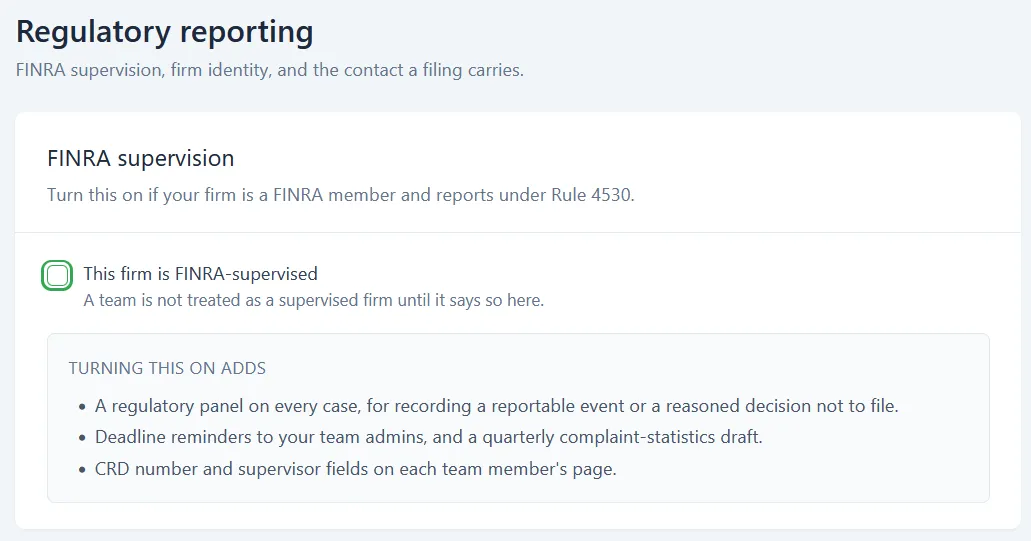
Section titled “FINRA supervision”Turn this on if your firm is a FINRA member and reports under Rule 4530.
The single checkbox is This firm is FINRA-supervised. It is off by default, and a team is not treated as a supervised firm until it is ticked. Nothing in this section applies until you turn it on.
Turning it on adds three things:
- A regulatory panel on every case, for recording a reportable event or a reasoned decision not to file.
- Deadline reminders to your team admins, and a quarterly complaint-statistics draft.
- CRD number and supervisor fields on each team member’s page.
Note what the regulatory panel captures: not only the events you report, but the ones you decide not to report and why. Both are records.
Firm identity & filing contact
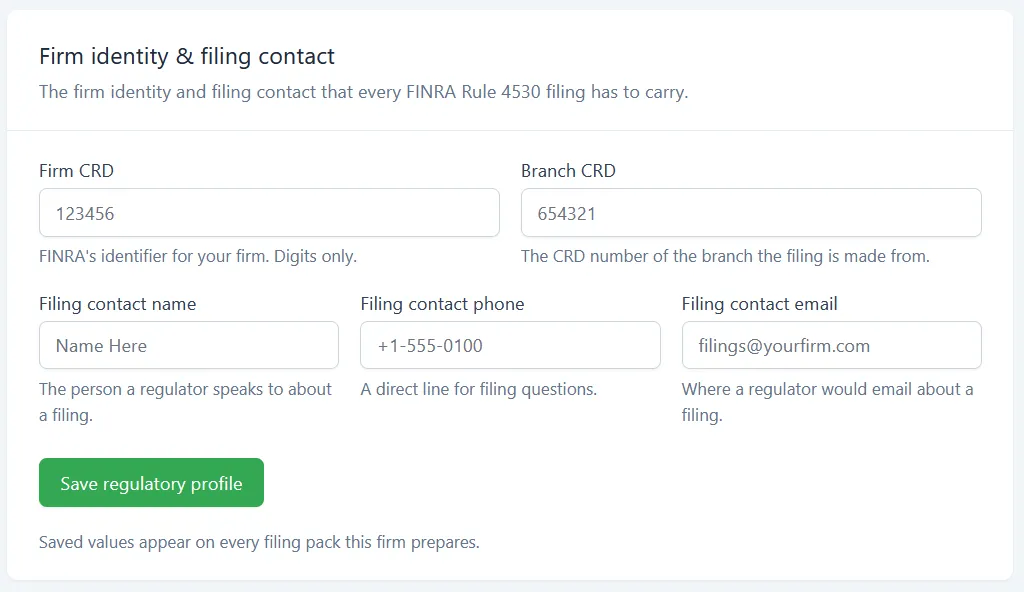
Section titled “Firm identity & filing contact”These five fields are the firm identity and filing contact that every FINRA Rule 4530 filing has to carry. Fill them in once and they populate from here.
- Firm CRD - FINRA’s identifier for your firm. Digits only.
- Branch CRD - The CRD number of the branch the filing is made from.
- Filing contact name - The person a regulator speaks to about a filing.
- Filing contact phone - A direct line for filing questions.
- Filing contact email - Where a regulator would email about a filing.
Click Save regulatory profile to apply your changes. Saved values appear on every filing pack this firm prepares.
Registered representatives
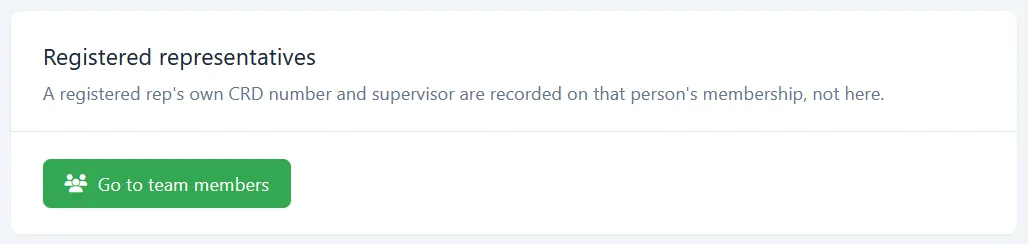
Section titled “Registered representatives”A registered rep’s own CRD number and supervisor are not recorded here. They live on that person’s membership. The Go to team members button takes you there; from the list, click Details on the person, then open Settings.
Those per-person fields only appear once This firm is FINRA-supervised is ticked.
What this section does and does not do
Section titled “What this section does and does not do”Comma records the events, drafts the quarterly complaint statistics, prepares the filing pack, and reminds your admins of the deadlines. Reviewing, approving, and filing with FINRA stay with your firm. Turning on FINRA supervision does not move any part of your Rule 4530 obligation to Comma.
What’s next
Section titled “What’s next”- Audit & compliance reporting - the configuration change log and scheduled regulatory reports
- Inviting team members - where a rep’s CRD number and supervisor are recorded
- Notifications & escalation - where the deadline reminders are routed and how they escalate
- Compliance policies - policies and the review queue that feed cases