Audit & compliance reporting
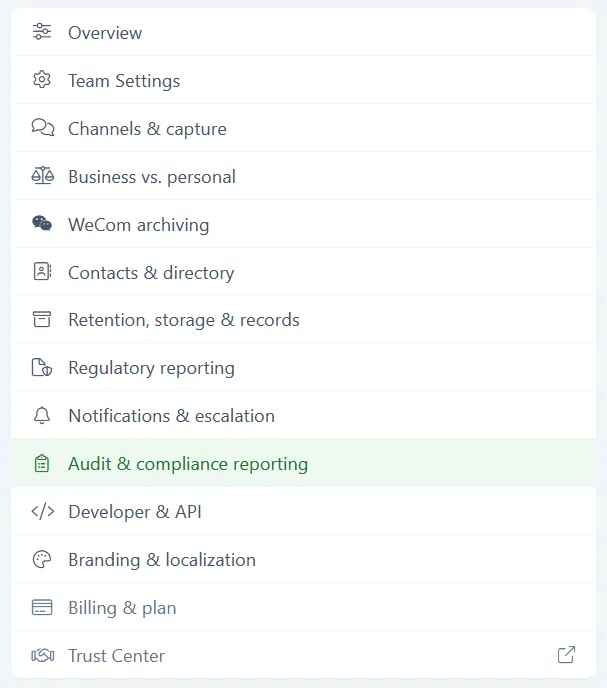
Audit & compliance reporting holds the audit log viewer and your scheduled regulatory reports. You reach it from Team > Configuration > Audit & compliance reporting. Only admins can change these settings.
Configuration audit log
Section titled “Configuration audit log”This is the record of configuration changes made in your tenant. If someone changed a retention window, applied a legal hold, or altered notification routing, it is here.
Filter the log by action, by date range, or by actor. Results are listed most recent first, and the table view shows up to 200 rows.
Each row records four things:
- Timestamp - when the event happened
- Actor - who did it
- Action - what kind of event it was
- Event - the detail of what changed
Notifications & escalation links here from its View settings change history button, which is the same log.
Export audit log
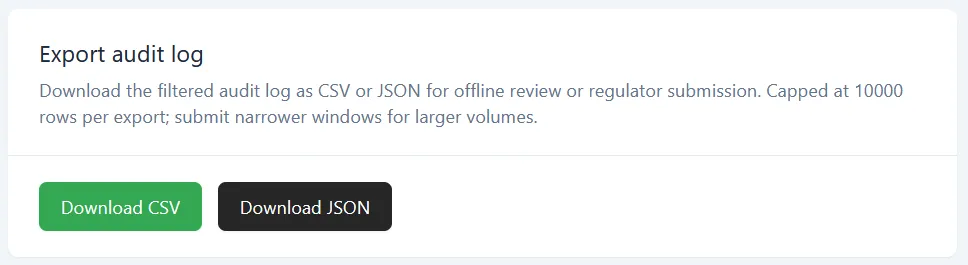
Section titled “Export audit log”Download the filtered audit log as CSV or JSON, for offline review or for submission to a regulator. Click Download CSV or Download JSON.
The export applies whatever filters you have set, so narrow the log first and the file matches what you see.
An export is capped at 10,000 rows. If your date range holds more than that, split it into shorter ranges and export each one.
Scheduled regulatory reports
Section titled “Scheduled regulatory reports”Instead of exporting by hand each time, you can ask for a recurring audit-log export shaped to a regulatory framework.
This is a request, not a switch. Submitting it alerts your account team, and Comma follows up within one business day to confirm the cadence. The schedule starts once that is settled.
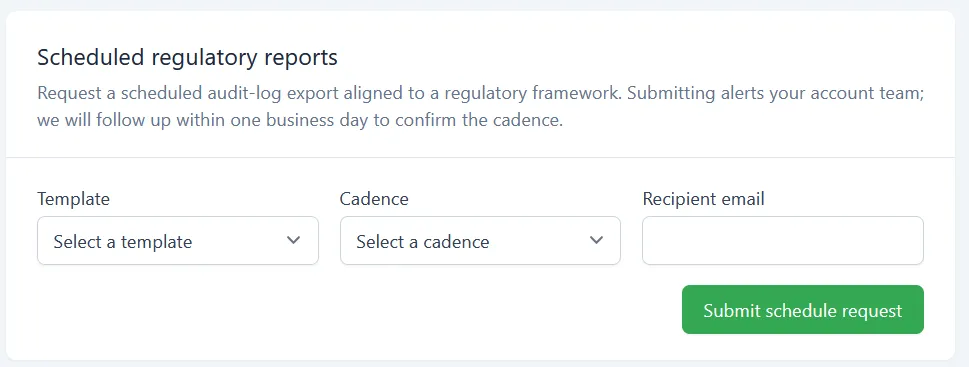
Fill in the form, then click Submit schedule request.
Template
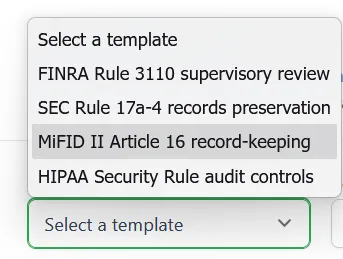
Section titled “Template”Four templates are available:
- FINRA Rule 3110 supervisory review
- SEC Rule 17a-4 records preservation
- MiFID II Article 16 record-keeping
- HIPAA Security Rule audit controls
The template shapes what the export contains. It does not by itself satisfy the rule it is named after, and your firm still owns the underlying obligation.
Cadence
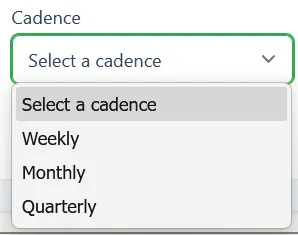
Section titled “Cadence”How often the export runs: Weekly, Monthly, or Quarterly.
What’s next
Section titled “What’s next”- Regulatory reporting - FINRA supervision, firm identity, and the filing contact
- Retention, storage & records - retention windows and outbound archive delivery
- Notifications & escalation - who is told about an open finding, and how fast it escalates